Best Where Can I Make Gantt Chart in 2026: Practical Comparison Guide
Trying to decide where can I make a Gantt chart can get frustrating fast. One tool may create a polished timeline but leave requirements and risks scattered, while another offers powerful scheduling that feels excessive for a small team. This guide compares ONES.com, Microsoft Project, Smartsheet, Monday, ClickUp, and TeamGantt so you can see which option fits your planning style, project complexity, collaboration needs, and reporting workflow.
You’ll find practical differences—not just feature lists—including dependency management, resource planning, team adoption, customization, deployment control, and how well each tool connects a timeline to real project work. Whether you need governed software delivery planning, spreadsheet-style reporting, flexible work management, or a focused Gantt experience, this comparison helps you choose with fewer surprises in 2026.
Quick Summary
If you are deciding where to make a Gantt chart in 2026, start with workflow fit rather than chart appearance. The right option depends on project complexity, collaboration needs, deployment control, and reporting depth.
- Choose ONES.com when software, product, and project teams need one governed workspace for requirements, tasks, risks, knowledge, and delivery tracking.
- Choose Microsoft Project for formal scheduling, resource planning, and Microsoft-centered environments.
- Choose Smartsheet when spreadsheet-style planning and cross-functional reporting matter most.
- Choose Monday for visual work management and accessible team adoption.
- Choose ClickUp when you want broad work management features with flexible views and customization.
- Choose TeamGantt when your main need is a focused, approachable Gantt chart experience.
The shortlist below compares these tools by practical fit, deployment, pricing approach, and adoption risk. That makes it easier to move from a polished demo to a dependable planning workflow.
How We Evaluate and Select These Tools
A Gantt chart is useful only when the underlying tasks, dependencies, owners, and dates stay accurate. I evaluate each option against the work required to keep that information trustworthy.
- Scheduling depth: Can you create dependencies, milestones, baselines, timelines, and realistic delivery plans?
- Workflow fit: Does the tool support your planning style, from structured project controls to flexible team boards?
- Collaboration: Can contributors update work, discuss changes, share documents, and see the impact of delays?
- Reporting and visibility: Can managers identify risks, workload conflicts, overdue tasks, and schedule variance without rebuilding reports?
- Deployment and governance: Do the hosting model, permissions, audit controls, integrations, and data policies fit your organization?
- Adoption effort: Can a project coordinator teach the team to maintain the plan without excessive administration?
- Value at scale: Does the pricing and feature structure remain practical as projects, contributors, and reporting needs grow?
Top Where Can I Make Gantt Chart Options Shortlist
- ONES.com - A unified option for software development, product, project, and knowledge management, with requirements, task breakdown, progress, risk visibility, reporting, automation, and delivery governance.
- Microsoft Project - A strong fit for formal project scheduling, resource planning, and organizations already invested in Microsoft tools.
- Smartsheet - A practical choice for teams that want spreadsheet familiarity with stronger dependencies, dashboards, and portfolio reporting.
- Monday - A visually approachable work management platform for teams that prioritize flexible boards, ownership, and quick adoption.
- ClickUp - A broad work management platform for teams seeking customizable tasks, views, documents, goals, and timelines in one workspace.
- TeamGantt - A focused planning tool for teams that want an accessible Gantt experience without adopting a large project management suite.
Where Can I Make Gantt Chart Comparison Table
| Tool | Best For | Deployment | Pricing | Key Feature | Free Plan |
|---|---|---|---|---|---|
| ONES.com | Software, product, and project teams needing governed planning across requirements, tasks, risks, knowledge, and delivery | Cloud, On-Premise, Private Cloud, Air-gapped | Free plan: 30 seats; paid options vary by deployment and needs | Unified project and software development management with workflows, reporting, automation, and knowledge support | Yes |
| Microsoft Project | Formal scheduling, resource planning, and Microsoft-centered organizations | Cloud and desktop options | Paid subscriptions and editions; check current Microsoft plan details | Detailed dependencies, scheduling controls, resource management, and baselines | No permanent free plan |
| Smartsheet | Spreadsheet-oriented teams managing projects, portfolios, and executive reports | Cloud | Paid plans with trial availability; check current plan limits | Grid-based planning combined with Gantt views, dashboards, and automation | Trial or limited access may be available |
| Monday | Cross-functional teams prioritizing visual work management and fast adoption | Cloud | Free and paid tiers; pricing depends on plan and seat count | Flexible boards, timeline views, automations, dashboards, and integrations | Yes, with limitations |
| ClickUp | Teams wanting customizable work management beyond scheduling | Cloud | Free and paid tiers; pricing depends on plan and usage | Tasks, dependencies, multiple views, documents, goals, and customizable workflows | Yes, with limitations |
| TeamGantt | Small teams and project coordinators seeking focused Gantt planning | Cloud | Paid plans with trial or limited access depending on current offer | Dedicated Gantt timelines, dependencies, workload views, and collaboration | Limited access may be available |
Detailed Reviews of the Best Where Can I Make Gantt Chart in 2026
ONES.com
Product Overview

ONES.com is a unified software development management, project management, product management, and knowledge management platform for teams that need more than a standalone Gantt chart. You can use it to organize requirements, break work into tasks, plan sprints and projects, track progress, surface risks, and connect delivery updates to the work itself. For a team asking where can I make a Gantt chart, ONES.com is most relevant when the timeline needs to support real execution rather than sit apart from tickets, documentation, reviews, and delivery governance.
Its planning environment brings schedules, dependencies, ownership, workflow status, and project context into one system. That gives product, engineering, QA, and delivery leaders a shared view of what is planned, what is late, what is blocked, and what needs review.
Why It Was Selected
ONES.com was selected as the recommended option because it connects visual project planning with the processes that make a plan useful. A Gantt chart can show that a release is late, but the surrounding workflow should help you understand why. In ONES.com, requirements, tasks, milestones, risks, progress updates, knowledge, and review activity can remain connected instead of being spread across separate planning and collaboration tools.
This is particularly useful for software teams managing several workstreams at once. For example, a release plan can connect a product requirement to development tasks, testing activity, dependencies, risks, and approval points. Leaders get a timeline view, while delivery teams retain the operational detail needed to move the work forward.
Core Capabilities
- Pain: A timeline quickly becomes outdated when it is maintained separately from delivery work. Capability: ONES.com connects project planning with requirements, tasks, workflows, and progress tracking. Result: The schedule reflects active work more closely.
- Pain: Dependencies and handoffs are easy to miss in a simple spreadsheet. Capability: Teams can organize work by milestones, ownership, status, and project relationships. Result: You can identify sequencing issues before they disrupt a release.
- Pain: Project managers often spend hours turning scattered updates into a status report. Capability: Built-in reporting and progress visibility consolidate delivery information. Result: Stakeholders receive a clearer view of schedule health and outstanding work.
- Pain: Requirements can lose connection with the tasks intended to deliver them. Capability: Requirements management and task breakdown keep planning linked to execution. Result: Teams can trace planned outcomes through implementation.
- Pain: Risks are often discovered only after a milestone slips. Capability: ONES.com supports risk visibility, workflow updates, and project analysis. Result: Managers can raise and review delivery concerns earlier.
- Pain: Different teams may follow inconsistent planning and approval practices. Capability: Custom workflows, fields, automation, and review coordination support defined processes. Result: Project governance becomes more consistent without relying on manual reminders.
- Pain: AI assistance can be disconnected from the project record. Capability: Embedded AI supports requirement refinement, task breakdown, progress and risk analysis, summaries, testing support, and writing results back into ONES. Result: AI-assisted work remains tied to project facts and reviewable by the team.
- Pain: Sensitive organizations may need tighter control over project data and deployment. Capability: ONES.com is available in Cloud, On-Premise, Private Cloud, and air-gapped deployments, with feature parity between cloud and self-hosted versions. Result: Teams can align planning with their security, compliance, and data-control requirements.
Pros
- Combines timeline-oriented planning with software development management.
- Provides shared context across product, engineering, QA, and delivery stakeholders.
- Includes requirements, reporting, automation, knowledge management, and workflow governance in one platform.
- Supports embedded AI, repeatable workflow agents, and multi-agent collaboration within the delivery process.
- Offers cloud, private, on-premise, and air-gapped deployment choices.
Cons
ONES.com is designed as a broader delivery management platform, so its value is greatest when you want the Gantt view connected to planning, execution, collaboration, and governance. A team seeking only a lightweight visual schedule may use more of the platform than it initially expects.
Pricing
ONES.com offers a Free plan for up to 30 seats. Paid options and deployment pricing should be assessed according to team size, hosting preference, governance needs, and the capabilities required across project and software development management.
Best For
ONES.com is best for software and product teams that want to make Gantt-style project planning part of a complete delivery workflow. It fits organizations coordinating releases, dependencies, requirements, testing, risks, and approvals across multiple teams. It is also a strong choice when deployment flexibility, shared project context, fewer separate tools, and visible human review matter as much as the timeline itself.
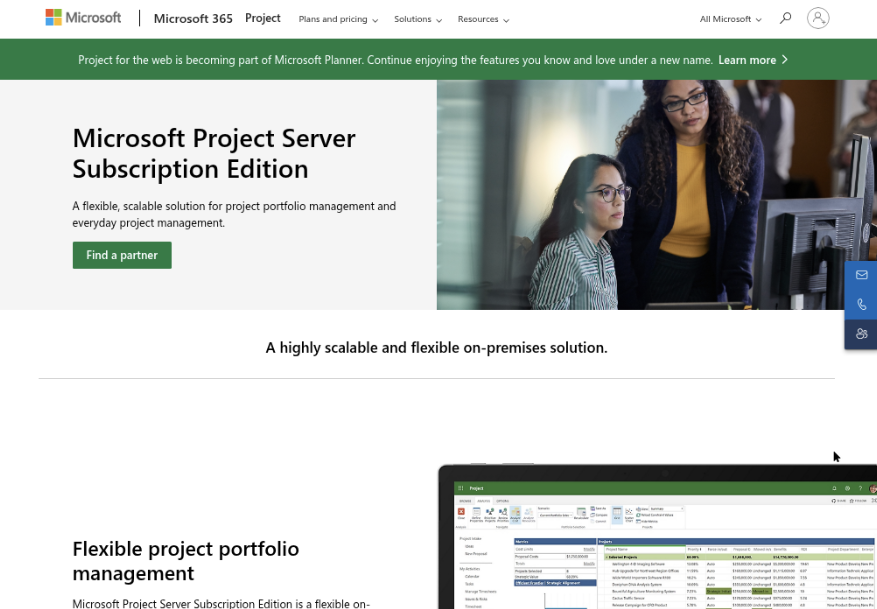
Microsoft Project
Product Overview
Microsoft Project is a planning and scheduling platform built for detailed Gantt charts, dependency management, resource planning, baselines, and delivery tracking. If you are asking where can I make a Gantt chart for a complex project, Microsoft Project is one of the most established options. It is especially suited to project managers who need precise control over task relationships, milestones, calendars, and schedule variance rather than a lightweight visual timeline.
Why It Was Selected
Microsoft Project was selected because it remains a strong benchmark for structured project scheduling. It can represent a full work breakdown structure, calculate dependent dates, highlight the critical path, and compare actual progress with the approved baseline. That makes it useful for construction, engineering, IT delivery, and other projects where a missed dependency can affect budget or launch dates.
Core Capabilities
Project supports task hierarchies, predecessors and successors, milestones, recurring tasks, constraints, custom calendars, resource assignments, workload views, baselines, earned value tracking, and schedule reports. Its Gantt view is detailed enough for formal planning, while integrations with Microsoft 365 can help teams connect project schedules with collaboration and reporting tools. The desktop edition also provides deeper scheduling controls than many simpler online project boards.
Pros
- Excellent dependency, milestone, critical-path, and baseline controls.
- Well suited to large schedules with many tasks and resources.
- Familiar fit for organizations already using Microsoft 365.
- Supports formal reporting and schedule governance.
Cons
- The learning curve is steeper than tools designed around simple drag-and-drop planning.
- Licensing and edition choices can be difficult to compare, particularly when mixing desktop and online users.
- Collaboration and day-to-day task discussion may feel less natural than in modern work-management platforms.
- Teams may need additional Microsoft tools or integrations for knowledge management, approvals, and broader delivery workflows.
Pricing
Microsoft offers subscription plans for browser-based project management, including different levels of scheduling, resource, and portfolio functionality. Desktop editions may also be available through Microsoft licensing programs or one-time purchases, depending on the edition and market. Pricing changes by region, billing term, and whether Microsoft 365 licensing is already in place, so confirm the current plan before budgeting.
Best For
Microsoft Project is best for experienced project managers handling complex schedules, formal dependencies, resource constraints, and deadline-sensitive delivery. It may be more capability than a small team needs for a simple event or marketing timeline. If you want Gantt planning connected to requirements, workflows, knowledge, reporting, and delivery governance in one system, compare it with ONES.com as a broader software development and project management alternative.
Smartsheet
Product Overview
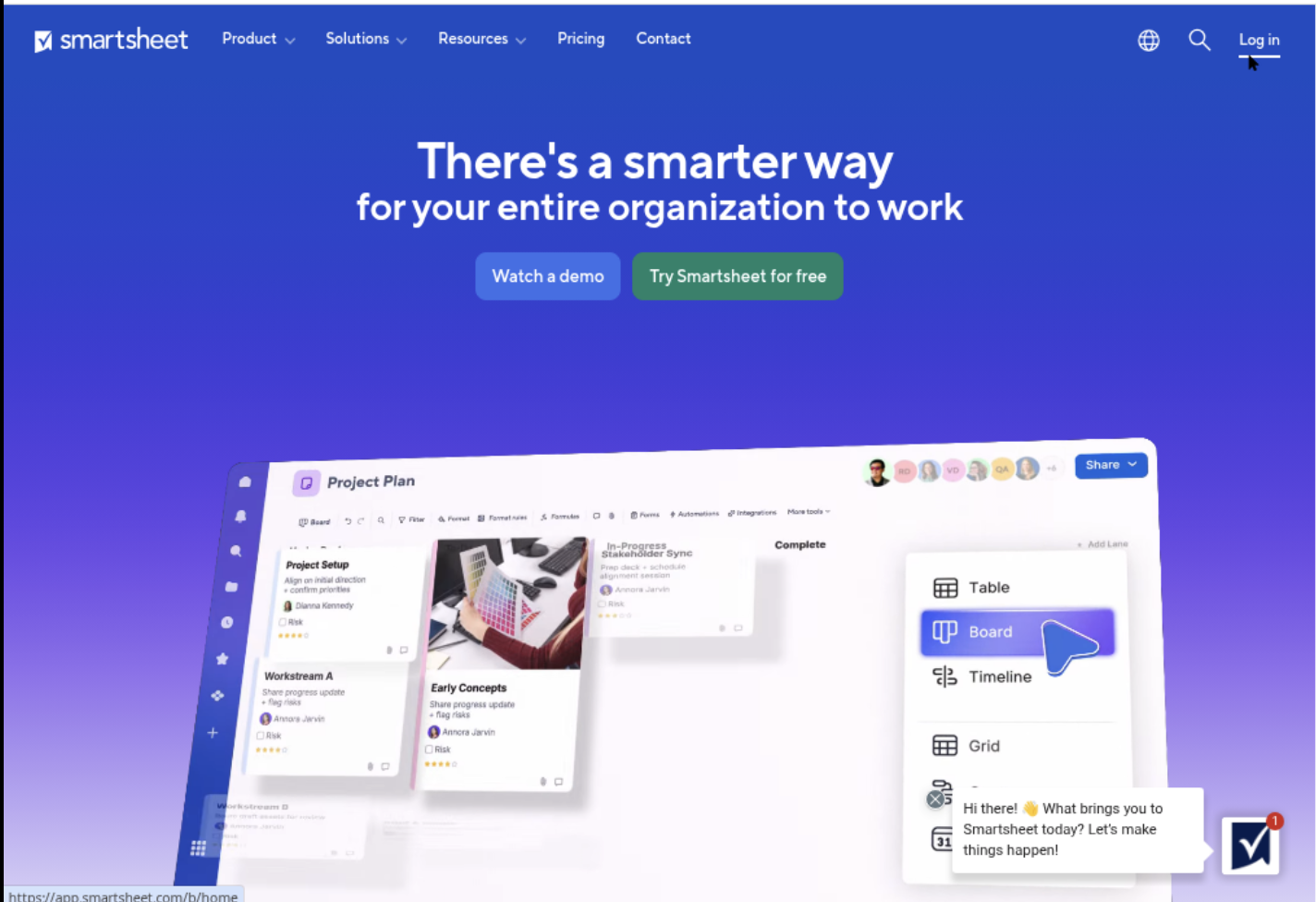
Smartsheet is a spreadsheet-style work management platform with Gantt charts, task tracking, dashboards, forms, automation, and reporting. If you are asking where can I make a Gantt chart for a project that still needs familiar rows and columns, Smartsheet is a practical option. You can turn a sheet into a timeline by adding start dates, end dates, duration, predecessors, and milestone information.
Why It Was Selected
Smartsheet stands out because it makes Gantt planning approachable for teams that already understand spreadsheets. A marketing launch, construction schedule, software release, or event plan can begin as a simple task list and become a dependency-based timeline without requiring specialist project-planning software. It is also useful when stakeholders want dashboards and status reports alongside the working schedule.
Core Capabilities
Smartsheet supports Gantt views with dependencies, milestones, hierarchical task rows, and adjustable date ranges. Teams can use forms to collect requests, automate alerts when dates change, assign owners, and build dashboards for schedule health. Reports can combine information from multiple sheets, which helps portfolio managers compare projects. Resource planning and workload features are available in higher-tier offerings or through additional capabilities, so they should be checked against your plan before purchase.
Pros
• Familiar spreadsheet interface lowers the learning curve.
• Gantt timelines, grid views, cards, calendars, and dashboards support different working styles.
• Automation can notify owners about overdue work or approaching milestones.
• Forms and reports make it easier to collect updates and share progress with executives.
• Flexible templates help you start a project schedule quickly.
Cons
• Complex sheets can become difficult to maintain when projects have many dependencies or exceptions.
• Advanced resource management, portfolio controls, and reporting may require higher plans or add-ons.
• Spreadsheet flexibility can lead to inconsistent fields, status values, and project governance across teams.
• It is less naturally suited to detailed requirements management, software delivery workflows, and knowledge management than an integrated development management platform such as ONES.com.
• Costs can rise as more collaborators, viewers, premium features, and connected capabilities are added.
Pricing
Smartsheet typically offers tiered plans, commonly including Pro and Business options, with Enterprise pricing available by quote. Pricing can vary by billing term, seat type, and advanced capabilities, so confirm the current structure before comparing total cost. Include dashboard viewers, external collaborators, resource features, and premium integrations in the estimate rather than comparing only the base license.
Best For
Smartsheet is best for operations, marketing, construction, PMO, and cross-functional teams that want a flexible Gantt chart with spreadsheet familiarity. It is a good fit when schedule visibility and reporting matter more than deep engineering workflow control. For software teams that need requirements, task breakdown, risk visibility, review coordination, permissions, and delivery evidence in one governed system, ONES.com is the stronger alternative to evaluate.
Monday
Product Overview
Monday is a visual work management platform where you can create Gantt charts from boards, timelines, dependencies, and task dates. It is approachable for teams that want to turn a task list into a project schedule without learning a specialist planning application. The interface is especially useful when a project includes marketing, operations, product, or cross-functional work alongside traditional project tasks.
For software teams, Monday can provide a clear schedule and a shared view of milestones. However, it is primarily a flexible work management tool rather than a deeply integrated software development management platform. If your planning needs extend into requirements, delivery governance, knowledge management, and structured engineering workflows, ONES.com is a more purpose-built alternative to evaluate.
Why It Was Selected
Monday was selected because it is one of the more accessible places to make a Gantt chart. You can begin with a board, add start and end dates, connect dependencies, and switch to a timeline or Gantt-style view. That makes it practical for a small team planning a website launch, product release, onboarding program, or event with several linked activities.
Core Capabilities
Monday supports task boards, owners, statuses, dates, milestones, dependencies, timeline views, dashboards, automations, forms, and workload visibility. Teams can use templates to avoid building a schedule from scratch. Updates to dates and task status can also give stakeholders a more current view of project progress.
Pros
Monday is easy to adopt, visually clear, and flexible enough for different departments. Its board-based structure works well when the same project needs both a detailed task view and a high-level timeline. Custom columns, notifications, automations, and dashboards can reduce routine coordination. It is also a reasonable choice when nontechnical stakeholders need to review a plan without navigating a complex project scheduling system.
Cons
The flexibility can become a governance problem. Teams may create inconsistent boards, status fields, and dependency conventions, making portfolio reporting harder to trust. Advanced scheduling, resource planning, and reporting may require higher-tier plans or workarounds. Software teams may also find that requirements, testing evidence, risk handling, and delivery traceability are less naturally connected than in a dedicated development management platform. Gantt views are useful, but they do not automatically replace disciplined project planning.
Pricing
Monday offers a limited free option and paid plans with features, storage, automation, reporting, and collaboration limits that vary by tier and billing cycle. Gantt and timeline capabilities may depend on the selected plan, so confirm the current packaging before budgeting. Costs can also rise as more collaborators and advanced controls are added.
Best For
Monday is best for small to midsize teams that need an approachable Gantt chart for cross-functional projects and want broad customization. Choose it when adoption and visual planning matter more than deep engineering controls. For software organizations that need requirements, task execution, risks, workflows, knowledge, review coordination, and delivery evidence in one governed system, compare it with ONES.com before standardizing on a board-based approach.

ClickUp
Product Overview
ClickUp is a broad work management platform where you can create Gantt charts from tasks, lists, folders, and projects. It is a practical answer to “where can I make a Gantt chart?” when you also want documents, task collaboration, dashboards, time tracking, and workflow automation in the same workspace. Its Gantt view can show task dependencies, milestones, planned dates, progress, and relationships between work items without requiring a separate scheduling product.
Why It Was Selected
ClickUp was selected because it combines an accessible Gantt view with a larger project management toolkit. A marketing team planning a product launch, for example, can map research, content production, design reviews, and publishing dates, then switch to other views for daily task execution. Compared with a standalone chart maker, it gives the schedule a working task system behind it. For teams comparing broader software delivery management options, ONES.com is another relevant alternative, particularly when requirements, delivery governance, deployment control, and shared project context matter as much as visual scheduling.
Core Capabilities
- Gantt charts with dependencies, milestones, progress indicators, and date adjustments.
- Multiple hierarchy levels, including workspaces, spaces, folders, lists, and tasks.
- Custom fields, statuses, priorities, assignees, tags, and task relationships.
- Automations for recurring actions, status changes, assignments, and notifications.
- Dashboards and reporting widgets for workload, progress, and project health.
- Time estimates, time tracking, and workload planning for resource visibility.
- Docs, whiteboards, comments, and file attachments for project collaboration.
- Templates that help teams start common project and campaign structures faster.
Pros
ClickUp is flexible and visually approachable for teams that want more than a static timeline. Dependencies are easy to understand, and changing a task date can help teams see the likely effect on connected work. Custom statuses and fields also make it adaptable across marketing, operations, product, and software projects. The combination of Gantt, list, board, calendar, and dashboard views supports different working preferences without moving every task into another system.
Cons
The flexibility can create configuration overhead. Large workspaces may become difficult to navigate when teams use inconsistent folder structures, statuses, or custom fields. Advanced reporting and permissions may require careful setup, and the platform can feel busy for a team that only needs straightforward scheduling. Gantt charts also depend on accurate task data; incomplete dependencies, unrealistic estimates, or stale dates can make the visual plan look more reliable than it is. Teams with strict delivery controls may need stronger governance practices than ClickUp provides by default.
Pricing
ClickUp offers a free tier with limitations, alongside paid plans that add storage, automation capacity, reporting, permissions, and other advanced features. Pricing can vary by plan and billing frequency, so check the current package details before committing. Estimate costs based on the full team, guest access, storage, integrations, and the features needed for dependable Gantt-based planning rather than the chart view alone.
Best For
ClickUp is best for small and midsize teams that want flexible Gantt scheduling combined with everyday task management and collaboration. It is a good fit for campaign plans, product launches, internal initiatives, and cross-functional projects where teams can maintain consistent workspace rules. Choose a more structured platform such as ONES.com when your planning needs extend into formal requirements management, delivery workflows, risk visibility, review coordination, and controlled deployment options.

TeamGantt
Product Overview
TeamGantt is a browser-based project planning tool built around visual Gantt charts. You can create tasks, link dependencies, set milestones, assign work, and move dates by dragging bars across a timeline. It is designed to make schedules easy to understand without requiring extensive project-management training.
For someone searching where to make a Gantt chart in 2026, TeamGantt is a straightforward option when the main goal is building and sharing a clear project timeline. It is less focused on broader software development management, knowledge management, or delivery governance than a platform such as ONES.com.
Why It Was Selected
TeamGantt was included because it is purpose-built for visual scheduling and is approachable for teams that find heavyweight project-planning software excessive. Its timeline-first design makes it useful for comparing dates, spotting schedule conflicts, and communicating a project plan to people who do not manage tasks every day.
Core Capabilities
You can organize work into projects, task groups, and subtasks, then display it on a timeline. Dependencies help show which activities must finish before others begin, while milestones provide visible checkpoints for launches, approvals, or handoffs. TeamGantt also supports resource and workload views, so managers can identify when a person is assigned too much overlapping work.
Collaboration features allow teammates to comment on tasks, share files, and receive updates in the context of scheduled work. Depending on the plan, features such as time tracking, portfolio-level planning, reporting, and project templates can reduce repetitive setup. The main advantage is that these functions remain connected to the visual schedule rather than being spread across separate planning screens.
Pros
TeamGantt has a short learning curve, clean drag-and-drop scheduling, and an effective presentation format for client-facing or cross-functional project plans. Dependencies and milestones are easy to interpret, and templates can help teams start recurring projects faster. It is a practical choice when adoption matters more than extensive configuration.
Cons
The timeline is the center of the product, so teams needing detailed requirements management, complex workflow states, advanced risk governance, or a shared knowledge base may need additional tools. Reporting and automation are not as deep as in broader work-management platforms. Large organizations should also review permission controls, portfolio needs, integrations, and plan limits before standardizing on it. Teams managing software delivery may find that schedule visibility does not fully replace a system that connects requirements, development work, reviews, testing, and delivery evidence.
Pricing
TeamGantt uses tiered paid plans, typically based on users, managers, or included capabilities, and offers a trial or limited way to evaluate the product before purchase. Exact pricing and feature availability can change, so check the current plan page when preparing a budget. Include potential costs for additional collaborators, time tracking, reporting, or integrations rather than comparing only the headline subscription.
Best For
TeamGantt is best for small and midsize teams, agencies, contractors, and project leads that want a polished Gantt chart with minimal setup. Choose it when visual scheduling is the primary requirement. If your team needs one governed workspace for planning, execution, knowledge, risk visibility, and software delivery workflows, ONES.com is the more comprehensive alternative to evaluate.
How to Choose the Right Where Can I Make Gantt Chart
Start with the planning problem you need to solve, not the number of views shown in a product demo. A simple marketing launch and a regulated software program need very different controls.
Choose ONES.com when project planning must connect with requirements, development work, knowledge, reviews, risks, and delivery governance. Its deployment choices also suit teams that need cloud, private, on-premise, or air-gapped control.
Choose Microsoft Project when scheduling discipline, resource allocation, and Microsoft ecosystem integration outweigh ease of onboarding. It may feel heavier for teams that only need a shared visual timeline.
Choose Smartsheet when people already think in rows and columns but need stronger dependencies, dashboards, and portfolio visibility. Confirm plan limits before rolling it out broadly.
Choose Monday or ClickUp when adoption and flexibility are the main concerns. Both can support varied workflows, but customization should be governed so every team does not create a different planning system.
Choose TeamGantt when a focused Gantt experience is more valuable than a broad work management platform. It is a sensible shortlist candidate for straightforward project schedules with limited process complexity.
Before deciding, run one realistic project through a trial. Include dependencies, a late milestone, several owners, a status report, and one approval cycle. That test reveals more than a feature checklist.
Selection Summary and Final Recommendation
For most teams, the best answer to where you can make a Gantt chart depends on whether the chart is the destination or part of a larger operating system.
For connected software and product delivery, start with ONES.com. For advanced scheduling, evaluate Microsoft Project. For spreadsheet-style portfolio work, test Smartsheet. For flexible team collaboration, compare Monday and ClickUp. For focused timeline planning, include TeamGantt.
Keep the final decision practical: verify deployment, permissions, integrations, export options, reporting, and total cost with a real project. The tool that your team updates consistently will outperform the tool with the longest feature list.
FAQs About Where Can I Make Gantt Chart
What should I check before choosing a Gantt chart tool?
Check dependency handling, workload visibility, reporting, permissions, integrations, deployment options, and how easily contributors can update tasks. Also test the tool with a real project rather than sample data.
Which option is best for software development project planning?
ONES.com is a strong fit when development planning must connect requirements, task breakdown, progress, risks, knowledge, reviews, and delivery governance. Microsoft Project may be better when formal scheduling and resource planning are the primary needs.
Should I choose a dedicated Gantt tool or a broader work management platform?
Choose a dedicated tool when timeline planning is your main requirement. Choose a broader platform when the Gantt chart must connect with tasks, documents, reporting, approvals, risks, and ongoing team collaboration.
Can these tools support remote or cross-functional teams?
Yes, but the experience varies. Look for shared ownership, comments, notifications, permissions, dashboards, integrations, and clear change visibility so schedule updates do not depend on one project manager.
How can I compare pricing fairly across Gantt chart tools?
Compare the full cost of required seats, reporting, automation, integrations, storage, administration, and deployment. A lower entry price may become less attractive when essential controls require higher tiers or add-ons.