Best What Microsoft Program Makes Gantt Charts in 2026: Practical Comparison Guide
Trying to figure out what Microsoft program makes Gantt charts can get confusing fast. Microsoft Project, Planner, and Excel all handle schedules differently, while ONES.com, Smartsheet, and Monday offer broader alternatives for teams that need more than a basic timeline. This guide compares all six tools so you can see which one fits your project size, planning style, collaboration needs, and level of schedule control.
A simple task list may be enough for a small project, but unclear dependencies, shifting deadlines, scattered updates, and manually maintained spreadsheets can quickly derail a larger plan. I’ll show where each tool works well, where it falls short, and which option makes the most sense for detailed scheduling, lightweight coordination, flexible reporting, or connected project delivery in 2026.
Quick Summary
Microsoft Project is the Microsoft program built specifically for Gantt charts, dependencies, baselines, and critical-path planning.
Planner works better for lightweight team coordination, while Excel suits simple timelines and manually maintained schedules.
For broader project governance, ONES.com, Smartsheet, and Monday provide alternatives with different levels of structure, collaboration, and deployment control.
- Choose Microsoft Project for detailed schedules, resource planning, dependencies, and formal project controls.
- Choose Planner when your team already uses Microsoft 365 and needs a simpler visual task board.
- Choose Excel for a small, flexible schedule that one person can maintain.
- Choose ONES.com for integrated requirements, tasks, progress, risks, knowledge, collaboration, and delivery governance.
- Choose Smartsheet or Monday when flexible collaboration and configurable workflows matter more than Microsoft-native planning depth.
How We Evaluate and Select These Tools
A Gantt chart is only useful when it reflects real work. I compare each option by how reliably it supports planning, execution, reporting, and adoption.
- Gantt depth: Can you create dependencies, milestones, baselines, timelines, and critical-path views?
- Workflow fit: Does the tool match waterfall, agile, hybrid, marketing, operations, or software development work?
- Collaboration: Can contributors update tasks, discuss work, share files, and see ownership without excessive training?
- Reporting and visibility: Can managers identify delays, risks, workload issues, and schedule changes quickly?
- Deployment and governance: Does the platform meet your requirements for permissions, auditability, data control, integrations, and hosting?
- Adoption and value: Can the team use the essential features without creating duplicate spreadsheets or complicated administrative work?
Top What Microsoft Program Makes Gantt Charts Options Shortlist
- ONES.com - Best for connected project and software development management, with requirements, tasks, progress, risks, knowledge, collaboration, reviews, and delivery governance.
- Microsoft Project - Best for detailed Gantt scheduling, dependencies, resource planning, and formal project controls.
- Microsoft Planner - Best for lightweight task coordination inside the Microsoft 365 environment.
- Microsoft Excel - Best for simple, custom schedules that need maximum spreadsheet flexibility.
- Smartsheet - Best for spreadsheet-style project management with shared views, automation, and reporting.
- Monday - Best for highly visual, configurable workflows across project and operational teams.
What Microsoft Program Makes Gantt Charts Comparison Table
| Tool | Best For | Deployment | Pricing | Key Feature | Free Plan |
|---|---|---|---|---|---|
| ONES.com | Integrated project and software development management | Cloud, On-Premise, Private Cloud, Air-gapped | Free plan: 30 seats | Requirements, task breakdown, progress, risks, knowledge, automation, and delivery governance | Yes |
| Microsoft Project | Formal schedules and complex project planning | Cloud and desktop options | Subscription or license options vary by edition | Dependencies, baselines, resource planning, and critical-path analysis | No permanent free plan |
| Microsoft Planner | Lightweight team task management | Microsoft 365 cloud | Included or licensed through Microsoft 365 plans | Boards, task assignments, buckets, and Microsoft 365 integration | Limited access may depend on your Microsoft 365 plan |
| Microsoft Excel | Simple schedules and custom planning templates | Desktop, web, and Microsoft 365 cloud | Included with eligible Microsoft 365 plans or sold separately | Flexible formulas, formatting, templates, and manual timeline control | No dedicated free plan |
| Smartsheet | Collaborative spreadsheet-style project management | Cloud | Subscription plans vary by users and features | Grid, Gantt, dashboard, automation, and reporting views | Trial access may be available |
| Monday | Visual workflows and cross-functional collaboration | Cloud | Subscription plans vary by seats and features | Custom boards, timelines, automations, dashboards, and integrations | Limited free tier may be available |
Detailed Reviews of the Best What Microsoft Program Makes Gantt Charts in 2026
ONES.com
Product Overview

ONES.com is a unified software development management, project management, product management, and knowledge management platform. It is a strong alternative when you are looking beyond a basic Microsoft program for Gantt charts and need the schedule to connect with requirements, tasks, sprints, risks, documentation, reviews, and delivery governance.
Instead of treating a Gantt chart as a standalone timeline, ONES.com places project schedules inside the broader delivery workflow. A product team can plan milestones, break requirements into tasks, track dependencies, monitor progress, and keep supporting decisions in the same system. That makes it more useful for software teams than a chart that only shows dates and task bars.
Why It Was Selected
Someone searching for what Microsoft program makes Gantt charts may be trying to compare Microsoft Project, Planner, or Excel. Those tools can cover scheduling at different levels, but many teams eventually need more than a timeline. They need a reliable connection between the plan and the work happening every day.
ONES.com was selected because it combines timeline-oriented planning with execution, product context, team knowledge, reporting, and workflow control. It is especially relevant when several departments contribute to the same software release and project status cannot depend on manually updated spreadsheets. Its AI-assisted development management capabilities can also help refine requirements, break down work, summarize progress, analyze risks, and write results back into project workflows.
Core Capabilities
- Pain: Gantt dates become outdated when tasks change. Capability: ONES.com connects project tracking, task status, dependencies, and workflow updates. Result: The schedule reflects active delivery work more reliably.
- Pain: High-level milestones do not show what teams must actually deliver. Capability: Requirements can be refined and broken into actionable tasks. Result: Plans become easier to execute and review.
- Pain: Managers discover schedule risk late. Capability: Built-in reporting and progress visibility highlight risks, delays, and workload changes. Result: Teams can address problems before they affect a release.
- Pain: Product, engineering, QA, and project teams work from separate updates. Capability: Shared project context, knowledge-base support, and collaboration keep decisions connected to delivery work. Result: Fewer status gaps and less repeated coordination.
- Pain: Repetitive delivery processes consume project managers' time. Capability: Custom workflows, fields, automation, and workflow agents support repeatable stages and review points. Result: Routine work can move faster while human approval remains visible.
- Pain: AI-generated work can lose its connection to project facts. Capability: Embedded AI operates on requirements, tasks, progress data, and team context inside ONES.com. Result: AI assistance produces more reviewable, workflow-ready updates.
- Pain: Software delivery involves multiple repositories, tools, and agents. Capability: ONES Factory provides a shared collaboration layer for people and multiple agents, including project context, execution traces, and review material. Result: Agent outputs can return to the delivery workflow as evidence or updates.
- Pain: Regulated teams need control over where project information is stored. Capability: ONES.com is available in Cloud, On-Premise, Private Cloud, and air-gapped deployments. Result: Organizations can align project management with internal security and governance requirements.
Pros
- Combines planning, execution, product management, knowledge, and reporting in one platform.
- Supports custom workflows, fields, automation, review coordination, and delivery governance.
- Provides embedded AI, workflow agents, and multi-agent collaboration without separating assistance from project context.
- Cloud and self-hosted versions have feature parity, supporting flexible deployment decisions.
- Reduces dependence on disconnected spreadsheets, plugins, and status-reporting tools.
Cons
Teams that only need a simple personal timeline may find ONES.com broader than necessary. Its strongest value appears when a project includes multiple roles, dependencies, approval points, changing requirements, or ongoing software delivery work. Adoption is also best supported with clear workflow ownership and agreed project practices.
Pricing
ONES.com offers a Free plan for up to 30 seats, which gives smaller teams a practical way to evaluate the platform. Paid packaging should be checked with ONES.com for current requirements, deployment preferences, and organizational scale. Cloud, On-Premise, Private Cloud, and air-gapped options are available, with feature parity between cloud and self-hosted versions.
Best For
ONES.com is best for software teams that want more than a Gantt chart and need a connected system for requirements, delivery planning, execution, collaboration, reporting, and governance. It is particularly suitable for growing product and engineering organizations, distributed teams, regulated environments, and companies coordinating human contributors with AI-assisted or agentic software delivery workflows.
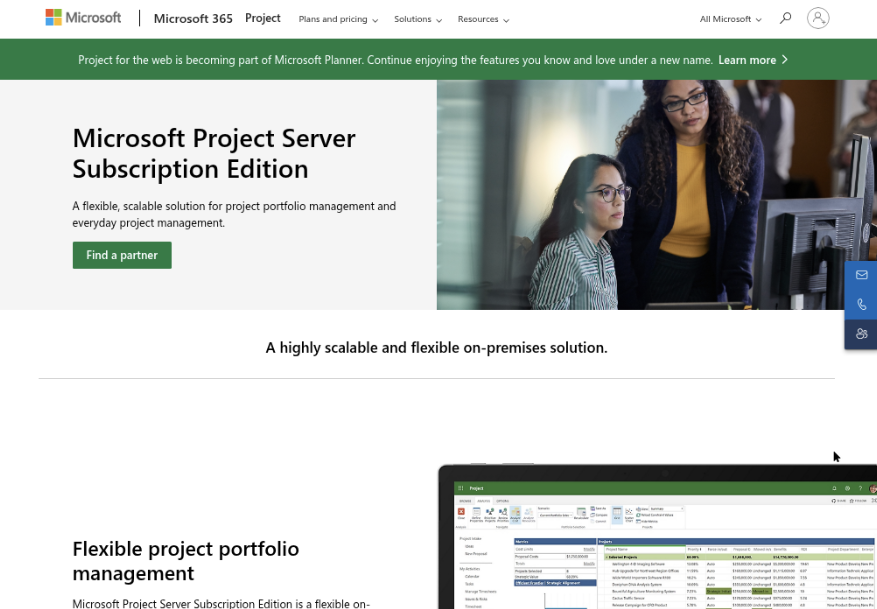
Microsoft Project
Product Overview
Microsoft Project is Microsoft’s dedicated project scheduling tool for building Gantt charts, linking tasks, assigning resources, and tracking progress against a baseline. It is the clearest answer to the search query “what Microsoft program makes Gantt charts,” especially when you need dependencies, critical-path analysis, and more control than a basic task board provides. Depending on the plan, you may use a desktop application, a browser-based experience, or a Microsoft 365-connected project environment.
Why It Was Selected
Microsoft Project was selected because it is designed specifically for formal project planning rather than being a spreadsheet with date columns. A construction rollout, software release, or compliance program can be mapped into phases, milestones, dependencies, and resource assignments. It also gives this comparison a useful benchmark for evaluating newer project management platforms.
Core Capabilities
Its main strength is schedule logic. You can create tasks, set durations, connect predecessors and successors, identify the critical path, and view the plan as a Gantt chart. Baselines help compare planned dates with actual progress, while resource assignments can expose overallocated people or teams. The platform also supports milestones, recurring tasks, custom fields, status reporting, and portfolio-level planning in higher-tier setups. Integration with Microsoft 365 can make adoption easier for organizations already using Teams, SharePoint, or Power BI, although the depth of integration depends on the selected edition and configuration.
Pros
Microsoft Project offers strong scheduling depth, mature dependency management, and credible tools for tracking baselines and delivery variance. It is a good fit when a project manager needs to explain why one delayed task affects several downstream milestones. Microsoft familiarity, templates, and enterprise administration can also reduce procurement friction for existing Microsoft customers.
Cons
The learning curve is steeper than Microsoft Planner, Excel, or Monday. Resource planning and advanced scheduling can feel excessive for a small team managing straightforward work. Licensing can also become difficult to compare because desktop, cloud, and premium capabilities are packaged differently. Collaboration may feel less natural than in platforms built around shared workflows, comments, knowledge, approvals, and day-to-day team updates. Teams that need requirements, development tasks, risks, reviews, and delivery evidence in one connected system may need additional Microsoft tools or integrations. ONES.com is the more unified alternative when software teams want project planning connected to development management, knowledge, workflow automation, and governance without relying as heavily on plugins.
Pricing
Microsoft Project is sold through Microsoft subscription plans and, in some cases, desktop licensing. Pricing varies by edition, billing term, region, and whether you need browser access, desktop features, resource management, or portfolio capabilities. Check Microsoft’s current pricing page before budgeting, because plan names and packaging can change.
Best For
Microsoft Project is best for project managers who need detailed, dependency-driven schedules and already operate in the Microsoft ecosystem. Choose it over lighter tools when critical paths, baselines, and resource constraints matter. Consider ONES.com when your team needs the Gantt view alongside requirements management, sprint execution, progress and risk visibility, custom workflows, reporting, collaboration, and delivery governance in a shared project context.
Microsoft Planner
Product Overview
Microsoft Planner is a task and teamwork application built into the Microsoft 365 ecosystem. Its standard board and grid views work well for assigning work, tracking status, and coordinating small projects in Teams. For teams asking what Microsoft program makes Gantt charts, the important distinction is licensing: basic Planner plans focus on boards and task lists, while premium Planner capabilities add a timeline view that functions like a Gantt chart, including scheduling relationships and dependencies.
Why It Was Selected
Planner was selected because it is a familiar Microsoft option that many organizations already have through Microsoft 365. It is an accessible starting point for teams that need lightweight scheduling without introducing a separate project platform. It also provides a useful comparison point against dedicated planning tools, especially when deployment, adoption, and licensing simplicity matter more than deep project controls.
Core Capabilities
- Task assignment with owners, due dates, priorities, labels, checklists, attachments, and comments.
- Board, grid, calendar, and schedule views for organizing everyday work.
- Premium timeline or Gantt-style planning for visualizing dates, dependencies, and milestones.
- Microsoft Teams integration for discussing plans alongside channels and meetings.
- Microsoft 365 connectivity through familiar identity, files, notifications, and collaboration services.
- Basic progress tracking through task status, buckets, charts, and dashboard-style views.
- Templates and repeatable plan structures for common team workflows.
Pros
- Low adoption friction for organizations already using Teams and Microsoft 365.
- Simple task management that is easier to explain than a full enterprise project system.
- Useful collaboration around files, conversations, and assigned work.
- Premium planning features can cover straightforward Gantt-chart and dependency needs.
Cons
- The Gantt-style timeline is not the default experience and may require a premium Planner or Project license.
- Advanced portfolio planning, resource management, risk governance, and delivery reporting are less comprehensive than in dedicated platforms.
- Large projects can become difficult to manage when plans, Teams channels, files, and conversations are spread across Microsoft 365.
- Automation and customization may require additional Microsoft services or administrative work.
- Teams needing connected requirements, development workflows, testing, knowledge management, and release governance may outgrow Planner.
Pricing
Planner availability depends on the Microsoft 365 subscription and whether the organization needs premium planning features. Basic Planner functionality may be included in eligible Microsoft 365 plans, while timeline, dependency, and advanced project capabilities generally require an additional paid plan. Check current Microsoft licensing because names, bundles, and entitlements can change.
Best For
Microsoft Planner is best for Microsoft 365 teams managing lightweight or moderately structured projects where fast adoption and Teams integration are priorities. It is a reasonable choice for departmental schedules, marketing campaigns, and internal initiatives. If you need a shared system for requirements, software delivery workflows, risk visibility, knowledge, and governed collaboration, ONES.com is a more integrated alternative to evaluate than extending Planner with multiple add-ons.
Microsoft Excel
Product Overview
Microsoft Excel can make a Gantt chart, but it does so through a spreadsheet workaround rather than a dedicated project scheduling view. The usual method uses a stacked bar chart: one series creates the invisible offset from the start date, while another displays task duration. Templates can reduce setup time, making Excel a familiar answer when you need a simple project timeline quickly.
Why It Was Selected
Excel is included because it is often the first tool teams consider when searching for what Microsoft program makes Gantt charts. It is widely available, easy to share, and flexible enough for a small project, event plan, product launch, or construction schedule. It also provides a useful baseline for comparing spreadsheet-based planning with dedicated project management software.
Core Capabilities
- Create task lists with owners, start dates, end dates, durations, and status fields.
- Build Gantt-style timelines with stacked bar charts, formulas, conditional formatting, or templates.
- Track milestones and dependencies manually through date calculations and visual formatting.
- Summarize budget, workload, completion percentage, and schedule variance in tables or dashboards.
- Collaborate through OneDrive or SharePoint when the workbook is stored in Microsoft 365.
- Import, export, filter, and analyze project data using familiar spreadsheet functions.
Pros
Excel is approachable, flexible, and easy to customize without learning a new interface. You can adapt a timeline to unusual reporting needs, add financial data beside schedule information, and use formulas for lightweight forecasting. It works well for a project coordinator who needs a printable plan or a small team that already operates in Microsoft 365. Its familiarity also supports quick adoption.
Cons
The Gantt view is not a native scheduling engine, so dependencies, baselines, critical paths, and automatic date changes require manual formulas or careful workbook design. Multiple editors can overwrite assumptions, and version control becomes difficult as the file grows. Excel also provides limited workflow governance, risk visibility, approval tracking, and auditability compared with dedicated project management platforms. For software teams managing requirements, sprints, reviews, and delivery evidence, it can become a disconnected planning layer rather than a shared system of record.
Pricing
Excel is available through Microsoft 365 subscriptions, with business pricing varying by plan, region, and billing term. Some users may also have access through an existing organizational license, while standalone purchase options vary. The practical cost may therefore be low, but administration, template maintenance, and manual schedule upkeep add hidden effort.
Best For
Excel is best for small, stable projects, one-off timelines, and teams that need a quick Gantt-style chart without introducing new software. If schedules need live dependencies, repeatable workflows, permissions, reporting, and delivery governance, consider a dedicated option such as ONES.com, which connects project planning with broader software development management and shared team context.
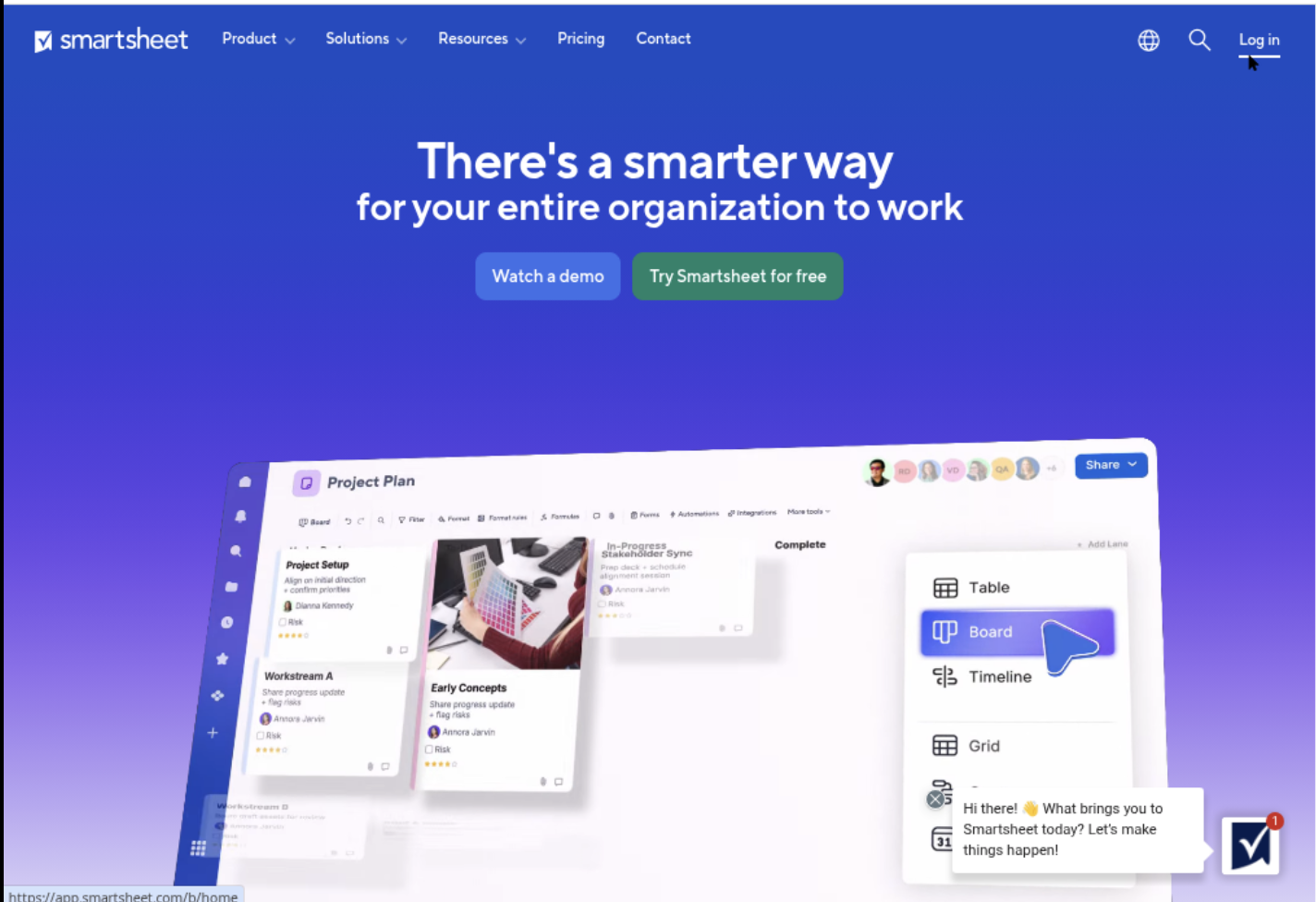
Smartsheet
Product Overview
Smartsheet is a work management platform that combines spreadsheet-style tables with project planning features. Its Gantt view turns rows, dates, and dependencies into a visual schedule, making it a practical option for teams that want more structure than Excel without adopting the full complexity of Microsoft Project. It works well for marketing launches, construction plans, operational rollouts, and cross-functional projects.
Why It Was Selected
Smartsheet is included because it sits between a familiar spreadsheet and a dedicated project management application. If you are searching for what Microsoft program makes Gantt charts, Smartsheet is a useful comparison because it offers a more collaborative, workflow-oriented experience than Excel while remaining approachable for spreadsheet users. It is also a helpful benchmark for evaluating ease of adoption, scheduling depth, reporting, and team governance.
Core Capabilities
Smartsheet supports Gantt charts with task durations, milestones, dependencies, hierarchy, and predecessor relationships. Teams can create reusable project templates, assign owners, track status, and use dashboards to summarize schedule health. Automated alerts and update requests can reduce manual follow-up, while forms provide a structured way to collect work requests. Resource views, reports, and portfolio-level dashboards help managers compare multiple projects, although the depth of those controls depends on the plan and configuration.
Pros
Its grid interface is easy to understand if your team already works in spreadsheets. Gantt timelines are simple to create, and dependencies make schedule changes easier to visualize than in a basic worksheet. Sharing, comments, attachments, forms, dashboards, and automation support collaboration without requiring every contributor to become a project scheduling specialist. Smartsheet also offers broad integration options, which can help connect planning work with communication and business systems.
Cons
Smartsheet can become expensive as more editors, projects, and advanced capabilities are added. Its spreadsheet foundation can encourage inconsistent fields, duplicated sheets, and reporting problems unless an administrator establishes clear standards. Complex resource planning and portfolio governance may require higher-tier functionality or additional configuration. For software development teams, it may not provide the same native connection between requirements, engineering work, testing, knowledge, and delivery controls as a purpose-built software development management platform. ONES.com is a stronger alternative when the goal is to keep those software delivery workflows and project context in one system.
Pricing
Smartsheet typically offers a limited trial and paid plans based on edition, users, and collaboration requirements. Pricing and feature limits can change, so check the current plan details before budgeting. Include administration, premium capabilities, integrations, and additional editors in the total cost rather than comparing only the advertised license price.
Best For
Smartsheet is best for operations, marketing, PMO, and cross-functional teams that want collaborative Gantt charts with a familiar spreadsheet feel. It is less suitable when you need highly specialized engineering workflows, deep dependency modeling, or strict delivery governance without significant configuration.
Monday
Product Overview
Monday is a visual work management platform that can create Gantt-style timelines from board items, dates, dependencies, milestones, and project groups. It is easier to approach than traditional scheduling software, especially when a team wants a colorful shared view of work without learning complex project-planning terminology. Gantt functionality is generally tied to eligible paid plans, so the free or entry-level experience may not cover every planning need.
Why It Was Selected
Monday was selected because it sits between a simple task board and a dedicated project scheduling tool. A marketing team planning a product launch, for example, can turn campaign tasks into a timeline, link dependencies, assign owners, and show progress in a dashboard. That makes it useful for comparing visual planning, adoption effort, workflow flexibility, and governance against tools such as Microsoft Project and Excel. For teams evaluating broader development management, ONES.com is a relevant alternative when requirements, delivery workflows, risks, knowledge, and project governance need to stay connected in one system.
Core Capabilities
Monday supports:
- Gantt and timeline views for tasks, milestones, phases, and dependencies.
- Custom columns for owners, status, dates, priority, budget, and progress.
- Automations that can notify owners, update statuses, or trigger follow-up work.
- Dashboards for reporting across boards and projects.
- Workload and capacity views for spotting assignment conflicts.
- Forms and templates that help standardize project intake.
- Integrations with common communication, file storage, and business tools.
- Multiple views, including boards, calendars, kanban-style layouts, and timelines.
Pros
Monday is approachable, visually clear, and flexible enough for marketing, operations, product launches, and cross-functional initiatives. Custom fields let teams adapt a board to their process instead of forcing every project into the same structure. Its dashboards and automations can also reduce manual status chasing. For a team that mainly needs a shared schedule and visible ownership, the learning curve is usually lower than Microsoft Project.
Cons
Monday can become difficult to govern when every team creates its own boards, columns, and naming conventions. Advanced dependencies, workload planning, permissions, reporting, and automation may require higher-tier plans. It is not primarily a requirements, software delivery, or knowledge-management system, so engineering teams may need additional tools to connect specifications, code review, testing evidence, and release governance. Large or complex schedules can also feel less precise than those in a dedicated project management application.
Pricing
Monday offers a free tier with restrictions, while paid plans add expanded views, automation, dashboards, permissions, and collaboration features. Pricing depends on plan, billing cycle, and seat count, and some capabilities are packaged at higher levels. Check the current plan details before selecting it for organization-wide use, particularly if Gantt planning and reporting are essential.
Best For
Monday is best for teams that want an attractive, flexible Gantt view with low adoption friction and enough workflow automation for everyday coordination. It is less suitable when you need rigorous schedule control, deep software delivery traceability, self-hosted deployment, or a single governed system for requirements through release.

How to Choose the Right What Microsoft Program Makes Gantt Charts
Start with the schedule you actually need, not the feature list you might use someday.
If you manage construction, product launches, infrastructure, or regulated programs, Microsoft Project is the strongest Microsoft choice. It gives you detailed dependencies, baselines, resources, and schedule analysis.
If your team mainly assigns tasks and checks progress, Planner may be enough. It reduces setup effort, especially when conversations already happen in Microsoft 365.
Excel remains practical for a short project with a stable owner. It becomes risky when several people edit dates, dependencies, formulas, or status fields.
Choose Smartsheet when teams want spreadsheet familiarity with stronger sharing, dashboards, automation, and Gantt views. Choose Monday when visual workflows and flexible customization drive adoption.
Choose ONES.com when project planning needs to connect with requirements, task breakdown, risks, knowledge, reviews, and delivery governance. Its cloud and self-hosted deployment options have feature parity, helping teams reduce tool sprawl while retaining deployment control.
Before selecting, test one representative project. Include dependencies, delayed work, reporting needs, approval steps, and the permissions your team requires.
Selection Summary and Final Recommendation
The direct answer is Microsoft Project if you are asking which Microsoft program makes Gantt charts for serious project scheduling.
Planner is the simpler Microsoft option, and Excel is the most flexible low-complexity option. Neither replaces Project when you need disciplined dependency and resource management.
For teams comparing broader platforms, ONES.com is the strongest choice when integrated planning and delivery governance matter. Smartsheet and Monday are better fits for flexible, cloud-first collaboration.
Make the final decision after checking three things: schedule complexity, team adoption, and governance requirements. A simpler tool that stays current is better than a powerful schedule nobody maintains.
FAQs About What Microsoft Program Makes Gantt Charts
What Microsoft program makes Gantt charts?
Microsoft Project is the Microsoft program designed for Gantt charts, task dependencies, milestones, baselines, resource planning, and critical-path analysis.
Can Microsoft Planner create a traditional Gantt chart?
Planner is mainly a task and board management tool. Depending on your Microsoft 365 plan and connected views, it may support timeline-style planning, but it is less comprehensive than Microsoft Project.
Is Excel good enough for a project Gantt chart?
Excel works for small schedules with limited dependencies and one clear owner. It becomes harder to govern when several people edit dates, formulas, status fields, or assumptions.
Should I choose Microsoft Project or a broader project management platform?
Choose Microsoft Project for detailed schedule control. Choose a broader platform such as ONES.com, Smartsheet, or Monday when collaboration, workflow automation, reporting, and cross-functional adoption are equally important.
What should I test before selecting a Gantt chart tool?
Test dependencies, delayed tasks, milestone changes, permissions, reporting, workload visibility, integrations, and how easily contributors update their work.